

New Zealand’s #1 Zoho Experts
4 Years in a Row
Officially recognised as Zoho Partner of the Year 2025, making us New Zealand’s top-ranked Zoho Partner based on Zoho’s official Partner Points.*
First Top-Up Special $129 $99/hr
Book your free video conference with our Zoho Consultants
Get your free comprehensive Zoho rollout quotation
Work with New Zealand’s #1 Zoho Partner, chosen by Zoho themselves
Minimum project size 10 consulting hours.
*Best in New Zealand based on Zoho’s Partner Points, as per Zoho’s global partner assessment criteria.

Zoho WorkDrive Setup NZ for Better Document Control

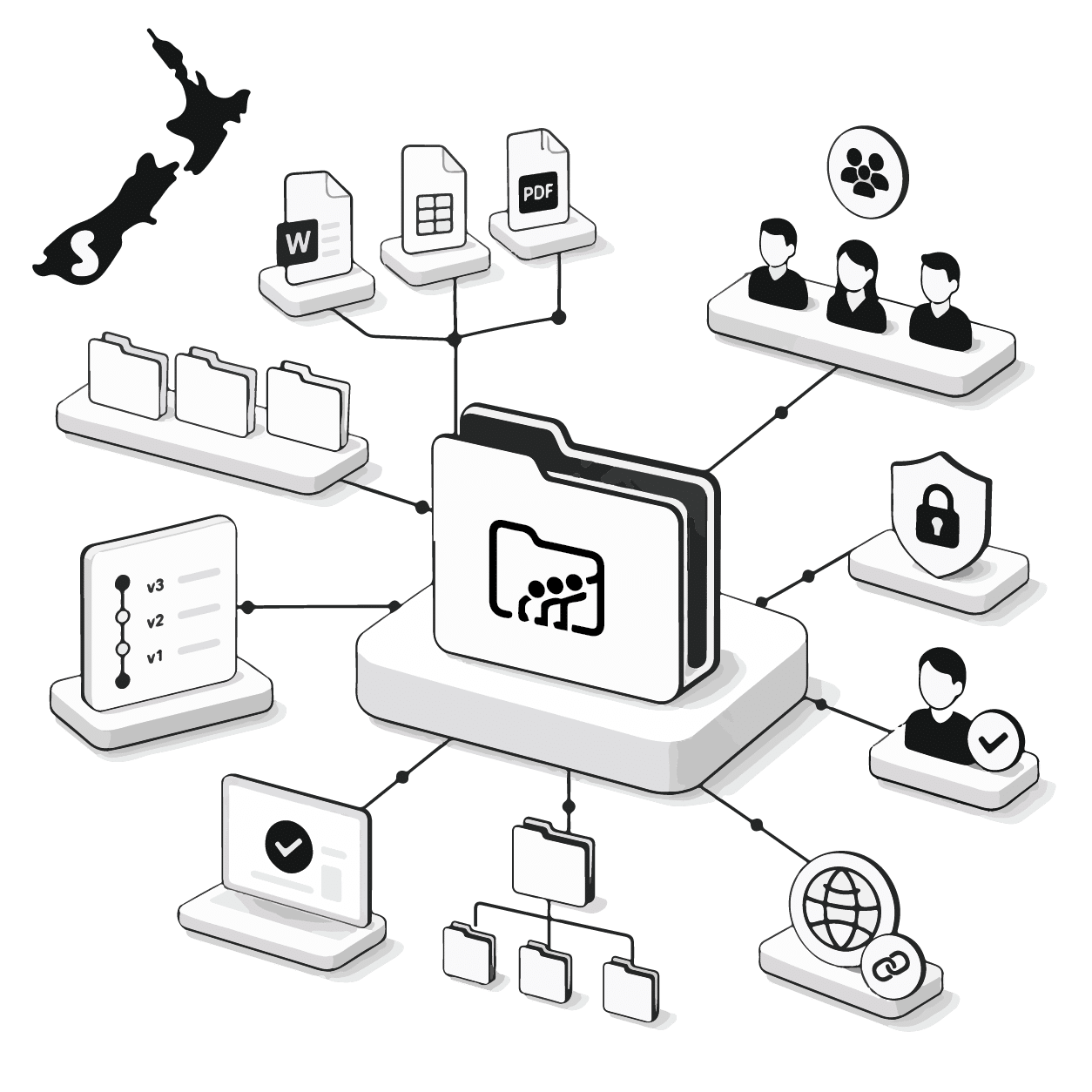
Smartmates helps New Zealand businesses plan Zoho WorkDrive setup when documents are scattered across inboxes, personal folders, shared drives, and local devices. A structured workspace can improve document ownership, access, version control, and team collaboration when the folder model and permissions reflect how people genuinely work.
File Storage Is Not the Same as Document Control
Teams often have several places where documents can be saved, but no reliable agreement about which version is current. Staff may download attachments, rename copies, create separate client folders, or retain access after responsibilities change. The resulting confusion slows approvals, creates duplicated work, and increases the risk of sensitive information being shared with the wrong people.
Read more: Zoho Implementation Partner NZ for Multi Team Delivery Governance
What a WorkDrive Structure Should Define
- team folders and their purpose
- document ownership
- role-based access
- external sharing rules
- naming conventions
- archive and retention processes
- approval responsibilities
- version control expectations
- access changes when staff move roles
- links with other Zoho applications
Simply recreating an old shared drive structure may transfer the same confusion into a new platform. The design should begin with current work, responsibilities, and risk.
Unstructured Storage Compared With WorkDrive
| Area | Unstructured storage | Planned WorkDrive setup |
|---|---|---|
| File ownership | Often unclear | Assigned by workspace |
| Versions | Multiple copies | Centralised history |
| Permissions | Broad or inconsistent | Role-based access |
| External sharing | Difficult to monitor | Defined sharing rules |
| Staff changes | Access may remain | Reviewed by responsibility |
| Search | Dependent on filenames | Consistent structure |
The New Zealand Office of the Privacy Commissioner recommends appropriate physical, technical, and organisational safeguards. Its guidance on security and internal access controls is relevant when businesses decide who should access particular documents.
Designing a Workspace People Can Follow
Smartmates starts with a Planning Session covering document types, teams, clients, projects, access needs, approval processes, existing storage, and integration requirements. This helps separate genuine operational needs from folder structures that have accumulated without clear ownership.
The Senior Team can then prepare a Project Plan Estimate for workspace design, migration, permissions, sharing controls, testing, training, and Quality Assurance. The Smartmates Model lets clients manage delivery through flexible Top Ups without a monthly retainer, minimum monthly spend, or lock-in arrangement.
A useful WorkDrive setup should make the correct storage location obvious. It should also help managers understand who can access documents, how information is shared, and what must happen when responsibilities change.
See also: Zoho Setup Consultant NZ for Spreadsheet-Heavy Teams
Frequently Asked Questions
Should every team use the same WorkDrive folder structure?
No. Shared standards are useful, but teams may have different documents, responsibilities, approval steps, and confidentiality requirements. The structure should remain consistent without becoming restrictive.
Can external clients receive access to documents?
External sharing can be configured, but access duration, permissions, document sensitivity, and ownership should be considered before links or folders are shared.
Is document migration only a file-copying exercise?
No. Migration should also consider duplicates, obsolete documents, ownership, permissions, naming, folder structure, and whether every existing file still needs to be moved.
Restore Control Over Shared Documents
Book a free Planning Session with Smartmates to review your current document problems and plan a Zoho WorkDrive setup that supports clearer ownership, access, and collaboration.