

New Zealand’s #1 Zoho Experts
4 Years in a Row
Officially recognised as Zoho Partner of the Year 2025, making us New Zealand’s top-ranked Zoho Partner based on Zoho’s official Partner Points.*
First Top-Up Special $129 $99/hr
Book your free video conference with our Zoho Consultants
Get your free comprehensive Zoho rollout quotation
Work with New Zealand’s #1 Zoho Partner, chosen by Zoho themselves
Minimum project size 10 consulting hours.
*Best in New Zealand based on Zoho’s Partner Points, as per Zoho’s global partner assessment criteria.

How to Keep Dropbox Files Linked to the Right Zoho Records in New Zealand

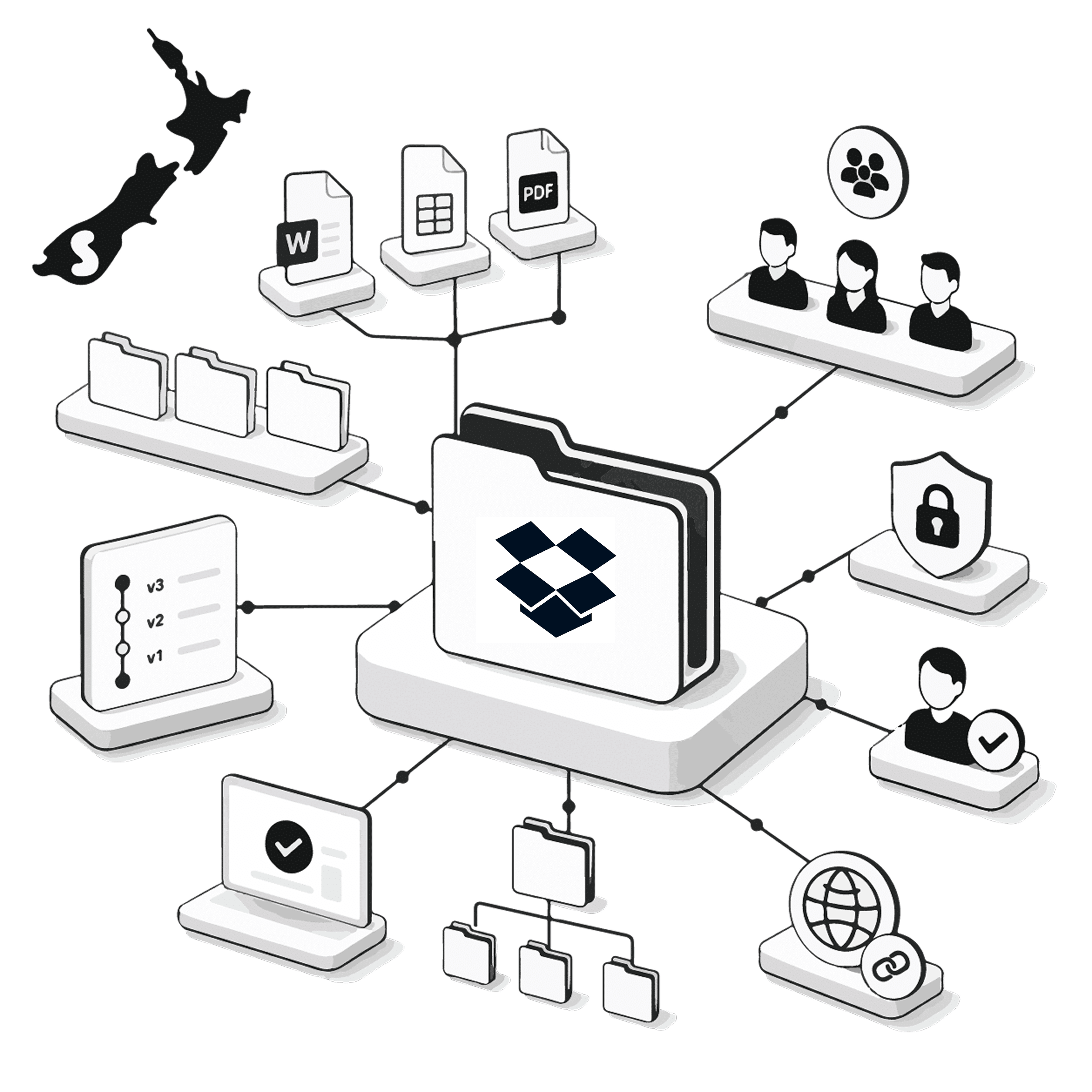
Customer documents are much easier to manage when staff can find them from the record they are working on. Smartmates helps New Zealand businesses plan how Dropbox and Zoho should work together so contracts, proposals and other client files can remain connected to the correct customer context without creating another uncontrolled document process.
File Access and File Ownership Are Different Problems
Giving CRM users access to Dropbox does not automatically create good document management. Businesses still need to decide where folders are created, how files are named, which CRM record they belong to and who controls permissions. Without those rules, staff may save copies in different locations, attach the wrong document to a customer or spend time searching through folders even though both systems are technically connected.
Read more: Zoho WorkDrive Setup NZ for Better Document Control
Questions to Resolve Before Connecting Files
A Dropbox and Zoho workflow should define:
- Which CRM modules need access to Dropbox files
- Whether folders are created automatically or manually
- What naming convention folders should follow
- How a file is linked to the correct customer or deal
- Whether users can upload, replace or delete files
- Who controls external sharing
- Whether completed documents need to trigger another workflow
- What happens when a CRM record is merged or reassigned
- Whether Dropbox should remain the long-term document system
Zoho Marketplace includes Dropbox integration options for Zoho CRM, but businesses should confirm compatibility with their Zoho environment, required modules and data centre before choosing an extension or implementation method.
What Good File Linking Should Achieve
| Requirement | Folder-Only Process | CRM-Linked Process |
|---|---|---|
| Customer context | User searches Dropbox | Relevant files are available from the CRM record |
| Naming | Depends on each user | Agreed structure guides folders and files |
| Ownership | Often unclear | CRM and document responsibilities are defined |
| Sharing | Managed case by case | Permissions follow an agreed process |
| Handover | Staff send links manually | Customer records retain document context |
Decide Whether Dropbox Is Still the Right Home
Smartmates can help New Zealand businesses determine whether Dropbox should remain part of the future Zoho architecture or whether a Zoho-native document platform such as WorkDrive would provide a better operational fit.
There is no benefit in migrating files simply because another application exists. The decision should consider how teams collaborate, which records need document access, existing folder structures, permissions, external sharing and the effort involved in changing established processes.
During a Planning Session, the Smartmates Senior Team can review the current document workflow and identify the safest approach. If Dropbox remains the right platform, the integration can be designed around clear record linking and ownership. If consolidation makes more sense, Smartmates can plan the migration and rollout before files are moved.
A Project Plan Estimate then gives the business visibility over the proposed work without requiring a monthly retainer or minimum monthly spend.
See also: Zoho Contracts Implementation NZ for Contract Ownership
Frequently Asked Questions
Can Dropbox files be connected with Zoho CRM?
Integration options exist through Zoho Marketplace and third-party extension approaches. Compatibility should be confirmed for the specific Zoho environment before implementation.
Should a business move from Dropbox to Zoho WorkDrive?
Not automatically. The best option depends on existing document processes, collaboration requirements, permissions and how closely files need to work with the wider Zoho environment.
Can Smartmates help migrate documents as well as integrate them?
Yes. Smartmates can assess the existing structure and recommend either an integration approach or a planned migration where that better suits the business.
Make Customer Files Easier to Find
If staff regularly move between Zoho and Dropbox to understand the same customer, the document process is worth reviewing.
Book a free Planning Session with Smartmates to assess how files should connect with your Zoho environment before changing the system.